
AI receptionist for small business: what it handles, what it shouldn't
By Vikas Reddy, Founder, Valior
The short answer
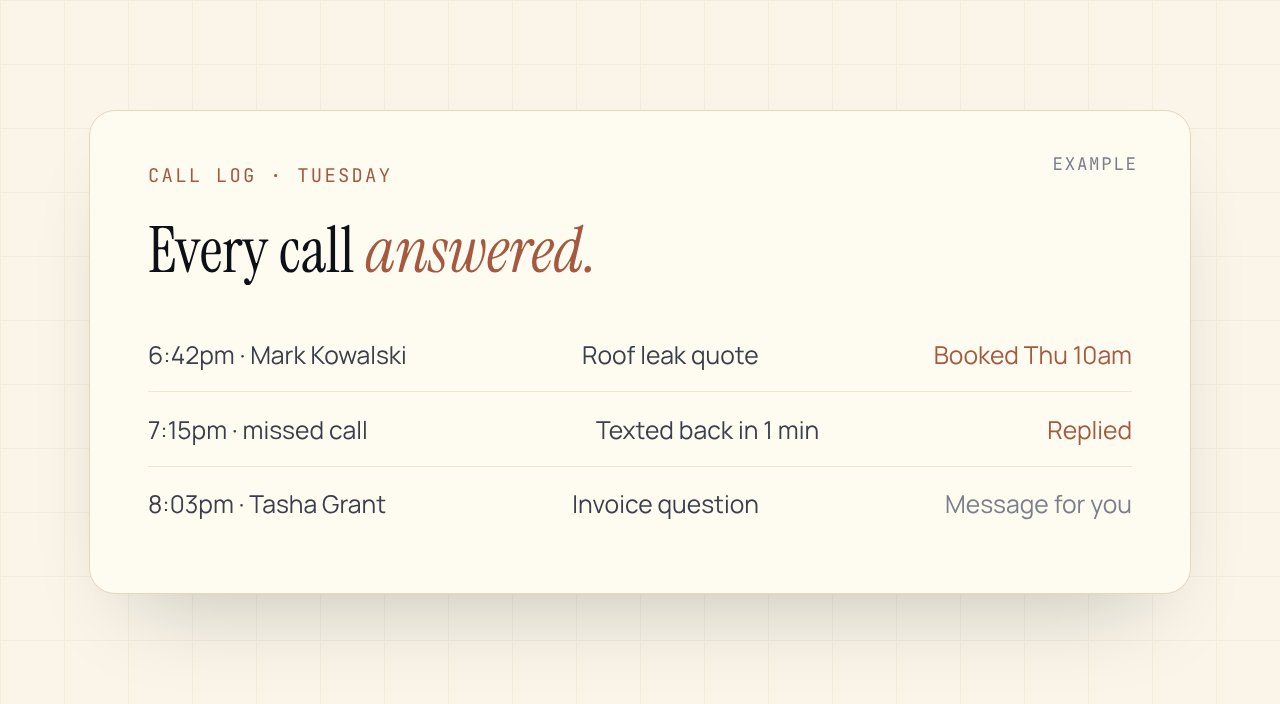
An AI receptionist answers your business phone, any hour. It can take messages, answer common questions, book appointments into your calendar and text back callers you missed. It should hand anything unusual, upset or high-stakes to a person. Set it up with your real answers and clear limits, and test it by calling it yourself, a lot.
The call you didn't get to
You're on a roof, in a session with a client, or driving. The phone rings twice and stops. No voicemail. By the time you call back, they've booked someone else.
For a lot of small businesses, the phone is still where the best customers come from, and the hardest place to be every minute of the day.
What an AI receptionist actually does
| Job | How it works |
|---|---|
| Answers every call | Picks up day and night with your business name and a natural voice |
| Answers common questions | Hours, location, services, rough timelines, from answers you give it |
| Books appointments | Checks your calendar and books into open slots, within rules you set |
| Takes detailed messages | Name, number, what they need, how urgent, sent to you as a summary |
| Texts back missed calls | If a call drops or goes unanswered, it texts the caller to continue |
| Qualifies leads | Asks your few key questions before passing the lead to you |
What it shouldn't handle
- Quoting prices for custom work. It can give ranges you approve. Real quotes come from you.
- Upset callers. A complaint goes straight to a person, with the summary already written.
- Emergencies. If your business gets urgent calls, it needs a clear rule to transfer or alert someone at once.
- Anything you'd be uncomfortable seeing in writing. If you wouldn't want it said, don't put it in the script.
Setting one up well
- Write the real answers first. Your top twenty questions and how you answer them. This is the work that makes or breaks it.
- Set booking rules. Which services, how long each takes, buffer time, and what it never books without you.
- Decide the hand-offs. When it transfers a live call, when it takes a message, when it texts you right away.
- Tell callers it's an assistant. Honest openings build trust, and in many places you also need to say if calls are recorded.
- Call it yourself. Fifty times, as different customers. Hard questions, rude ones, mumbled ones. Fix what you hear.
Off the shelf or set up for you
Off-the-shelf AI receptionist apps are quick to start and charge monthly, often by usage. They work well for simple businesses with predictable calls.
A custom setup costs more to build. It connects to your calendar, CRM and job system, follows your exact rules, and sends follow-ups through an approval queue so you see what goes out. It makes sense when calls turn into real jobs and every booking matters.
Either way, the follow-up after the call is where the money is. A booked call with no confirmation text, or a message nobody reads until Thursday, wastes the answer.
How to tell if it's working
Check, every week for the first month:
- How many calls it answered that you'd have missed
- How many turned into bookings or real leads
- Which calls it handed to you, and whether it should have
- Every call summary where it got something wrong
One last thing
Callers don't mind talking to an assistant that's quick, honest and gets them booked. They mind one that pretends, loops or can't reach a person. Build it to hand over gracefully and it'll earn its place.
We set up AI receptionists and the follow-up behind them, built around your calendar and tools. Want to see what missed calls and manual follow-up cost you now? The free AI Readiness Scorecard takes four minutes.
Related Playbook
Inbound lead capture, enrichment, and CRM automation
A form submission triggers enrichment, scoring, routing to the right rep's calendar, and a personalised first-touch email before the lead has closed the browser tab.
Read the playbookCommon questions
Will callers know it's AI?+
They should. We set it up to say it's an assistant at the start. Honest openings keep trust, and in many places you also need to tell callers if a call is recorded.
Can an AI receptionist book appointments?+
Yes. It checks your calendar and books into open slots within rules you set: which services, how long each takes, and what it should never book without you.
What happens with calls it can't handle?+
It hands them off. Depending on your rules, it transfers the call, takes a detailed message, or texts you right away with a summary.
Want this set up in your business?
Free 30-min audit. We tell you straight what's worth automating and what isn't.
Grab the AI Automation Audit Checklist
A 12-point checklist to score your workflows before you spend a dollar on automation. Email-gated, no follow-up sequence.
Keep reading
One workflow, every two weeks
The trigger, the tools, the steps and the hours it saved. No roundups.