
Microsoft Copilot training for small teams: a two-week plan
By Vikas Reddy, Founder, Valior
The short answer
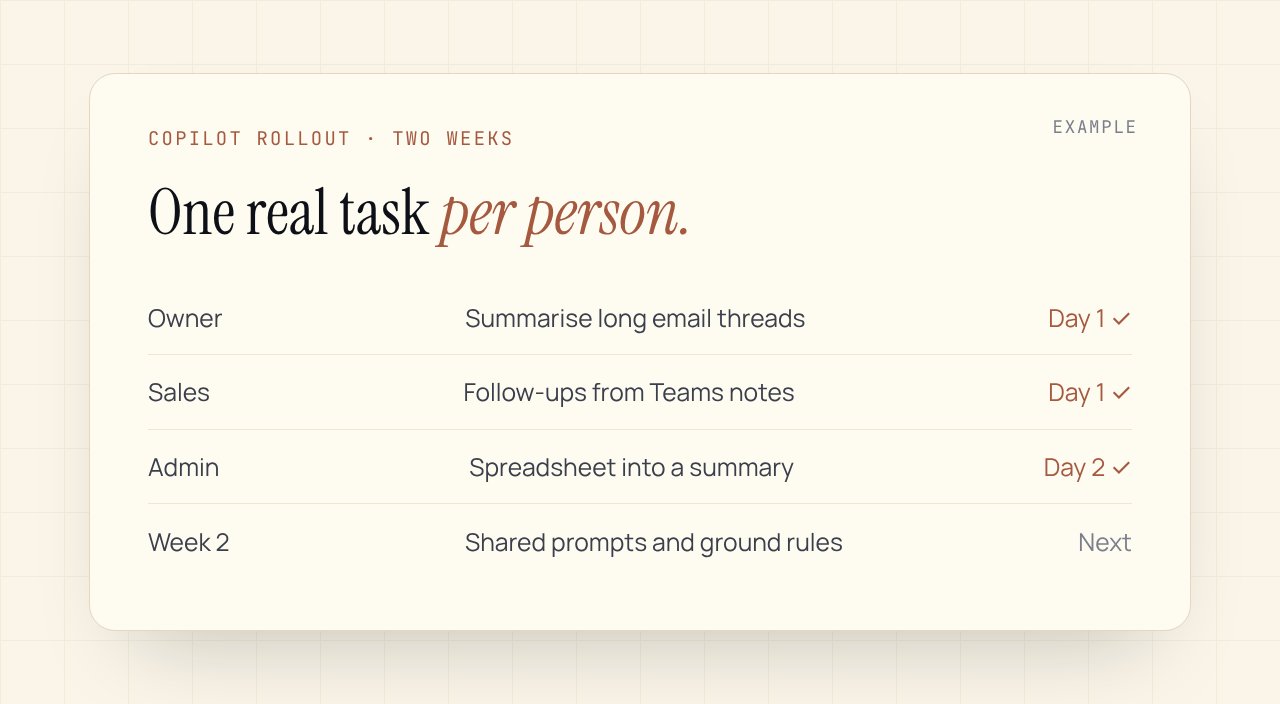
Good Copilot training is two weeks, not a one-hour demo. In week one, each person uses Copilot on one real task from their own job, every day. In week two, the team shares what worked, saves the best prompts and agrees the ground rules. Then you measure it.
Why most Copilot rollouts stall
The licences arrive. Someone runs a lunch-and-learn showing Copilot writing a poem about the company. Everyone nods. Three weeks later, two people use it and the rest forgot it exists.
The demo showed what Copilot can do. It never showed what it can do for the person in accounts on Tuesday afternoon. That's the gap training has to close.
Before you start
- Check what you have. Copilot comes in different forms across Microsoft 365. Confirm which one your team has, and what it can see (email, files, Teams), before promising anyone anything.
- Tidy permissions. Copilot can surface files people technically had access to but never found. Fix shared folders that are open too widely first.
- Pick one owner. One person runs the two weeks, collects questions and keeps it moving.
Week one: one task per person
Day 1, everyone picks one task they do every week that Copilot could help with. Not the hardest one. The most boring one.
| Role | A good first task |
|---|---|
| Owner or manager | Summarise long email threads before replying |
| Sales | Draft a follow-up from meeting notes in Teams |
| Admin or ops | Turn a messy spreadsheet into a short summary |
| Marketing | First draft of a newsletter from last month's notes |
| Finance | Explain changes between two versions of a report |
Every day that week, they use Copilot for that task, and note in a shared channel what worked and what didn't. Two lines is enough.
Week two: share, save, set rules
- Day 6, show and tell. Fifteen minutes. Each person shows one real result, good or bad.
- Day 7, save the prompts. Collect the prompts that worked into one shared page, by role.
- Day 8, ground rules. What always gets checked by a person (numbers, anything to customers), what never goes in a prompt, and who to ask when unsure.
- Days 9 and 10, second task. Everyone adds one more task from their week.
How to tell if it's working
Ask three questions at the end of week two, and again a month later:
- Which tasks do you now use Copilot for every week?
- Roughly how much time does it save you on those?
- Where did it get something wrong?
The third question matters most. If nobody has an answer, people aren't checking its work.
Where Copilot stops
Copilot helps people inside Microsoft apps, when they ask it. It doesn't watch your inbox overnight, connect to your CRM or Shopify, or draft replies to new leads before anyone opens them. When you want that, you're past training and into workflows.
One last thing
The best predictor of success isn't the licence. It's whether the team's own work is in the training. Generic demos make people impressed. Their own boring Tuesday task makes them users.
We run this training for small teams as part of AI Adoption. Not sure where your team stands? The free AI Readiness Scorecard takes four minutes.
Common questions
How long does Copilot training take?+
We plan two weeks: one real task per person in week one, then sharing, saved prompts and ground rules in week two. A single demo session rarely changes how people work.
Do we need Copilot licences for everyone?+
Not always. Start with the people whose weekly work has the most writing, summarising or spreadsheet time. Check which Copilot features your Microsoft 365 plan already includes before buying more.
Is our data safe with Copilot?+
Copilot works with the access each person already has, so the real risk is shared folders that are open too widely. Tidy permissions before rollout and set a written rule for what goes into prompts.
Want this set up in your business?
Free 30-min audit. We tell you straight what's worth automating and what isn't.
Grab the AI Automation Audit Checklist
A 12-point checklist to score your workflows before you spend a dollar on automation. Email-gated, no follow-up sequence.
Keep reading
One workflow, every two weeks
The trigger, the tools, the steps and the hours it saved. No roundups.